
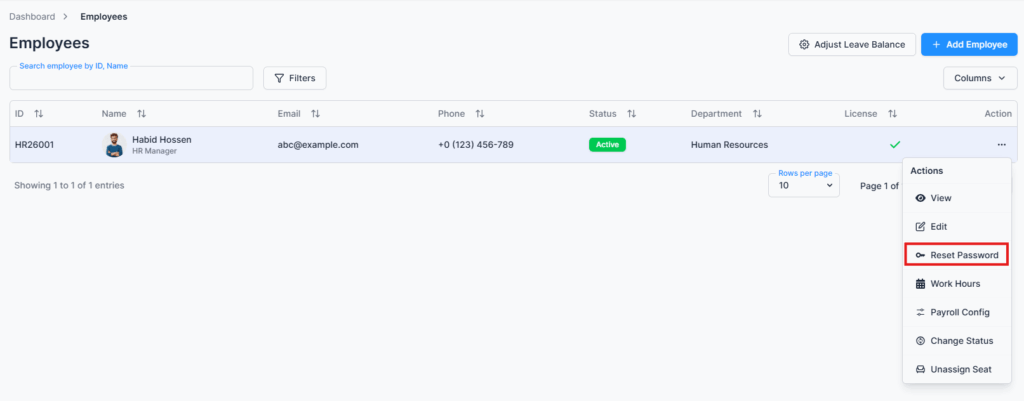
The Reset Password page is accessed via the “Reset Password” option in the Action Menu of the Employee Table under the Employees route. This page allows admins and permitted users to securely reset or update an employee’s login password at any time.
Overview #
When a new employee is added, they automatically receive a temporary password via email. Later, admins or permitted users can reset or change the password directly from this page to maintain security and manage access efficiently.
Password Reset & Security #
- Reset an employee’s password quickly and securely
- The Reset Password option is only visible if the employee has an assigned seat. If no seat is assigned, this action is hidden.
- New passwords must include at least one uppercase letter, one lowercase letter, one number, and one special character.
Save Changes #
After entering the new password, click Save to apply it. The employee can then use the updated credentials to log in immediately.
Summary #
The Reset Password page provides a secure and straightforward way to manage employee login credentials, ensuring that access remains controlled and up-to-date.