
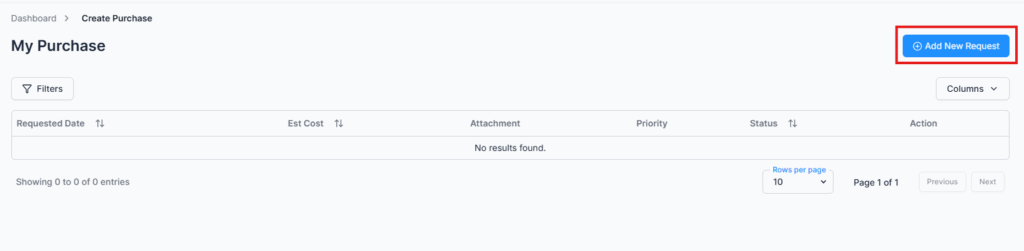
Employees can submit purchase requests for themselves by default. Users with the “Create Purchase Request for Others” permission (e.g., HR, managers) can submit requests on behalf of other employees.
Create Purchase Request Form #
Form Fields:
- Request For – Appears only for users with the “Create Purchase Request for Others” permission. Regular employees can only create requests for themselves.
- Equipment Details – Describe the item or service to purchase.
- Estimated Cost – Enter the expected cost for the request.
- Priority Level – Select priority: High, Medium, or Normal.
- Currency – Select the currency for the expense.
- Attachments – Upload supporting documents such as quotations, images, or PDFs.
- Send Request – Submit the purchase request for approval.
Tip: Admins or authorized employees can create requests for multiple employees, making it easier to manage procurement across teams.
Action Options (Permission-Based) #
All actions are controlled by user permissions:
- Edit – Modify the purchase request before it is approved or rejected (permission required).
- View – Access detailed request information (permission required).
- Comments – Communicate with approvers or admin for clarification or instructions.
Summary #
The Create Purchase Request module allows employees to submit requests efficiently while maintaining traceability, control, and compliance. Permission-based access ensures that managers or HR can create requests on behalf of others when required.
Note: If your organization has an approval workflow configured for purchase requests, all submissions will follow the defined workflow before final approval.