
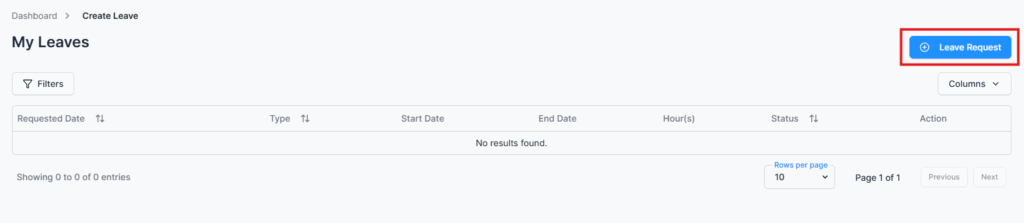
Employees can create leave requests for themselves by default. Users with the “Create Leave for Others” permission (e.g., HR or managers) can submit leave requests on behalf of other employees.
Create Leave Request Form #
Form Fields:
- Search Employee – This field only appears for users with the “Create Leave for Others” permission. Regular employees do not see this field, as they can only create leave for themselves.
- Leave Type – Displays leave types configured by the admin (Admin → Leave Type).
- If an employee is eligible for Lieu Leave, the Lieu Leave type will also be available for selection.
- Leave Quota & Calculation – Shows:
- Entitled days
- Earned days (calculated based on joining date, work hours, and company policy)
- Used days (paid/unpaid)
- Remaining balance
- Employees cannot request leave if a work schedule is not set.
- Starting Date / Ending Date – Select the leave period.
- Starting Time / Ending Time – For partial day leave.
- Reason – Enter a reason for the leave request.
- Send Request – Submit the leave request for approval.
Action Options (Permission-Based) #
All actions are controlled by user permissions:
- Edit – Modify leave request before it is approved or rejected (permission required).
- View – Access detailed leave information (permission required).
- Comments – Communicate with approvers or admins for clarification.
Summary #
The Create Leave module ensures that employees can submit leave requests accurately and in accordance with company policies. By enforcing permission-based access, it also allows managers or HR to submit leave on behalf of others and ensures controlled, traceable, and compliant leave management.
Note: If your organization has an approval flow configured for leave requests, all leave submissions will follow the defined workflow for approval before being finalized.